Story mapping is a visual technique used in product management to organize and prioritize the development of features and user stories. It helps teams gain a shared understanding of the product and its user journey by creating a holistic view of the product's functionality.
Examples
Let's say you are developing a mobile banking app. To create a story map, you start by identifying the main activities a user can perform, such as account registration, fund transfers, bill payments, and account statements. Each of these activities becomes a "user activity" on the story map. Under each user activity, you break down the specific tasks or user stories required to complete the activity, such as entering account details, selecting a recipient, and confirming the transfer.
Importance
Story mapping is crucial for product managers as it helps them understand the big picture of the product's functionality and the user experience. By visualizing the product's features and user stories, it becomes easier to identify dependencies, prioritize work, and communicate with stakeholders. It allows the team to focus on delivering value to the users by building the most valuable features first.
How to Use Story Mapping
- Identify user activities: Begin by identifying the main activities or tasks users need to accomplish within your product.
- Break down user stories: Under each user activity, break down the tasks or user stories required to complete them.
- Arrange user stories: Arrange the user stories in a logical sequence within each activity, from left to right, to depict the user journey.
- Prioritize: Collaboratively prioritize the user stories based on their importance and value to the users.
- Visualize dependencies: Identify any dependencies or relationships between user stories and represent them on the story map.
- Refine and iterate: Continuously update and refine the story map as you gain more insights and feedback from users and stakeholders.
Useful Tips
- Keep the story map simple and easy to understand. Avoid including unnecessary details.
- Involve the entire team in creating and updating the story map to ensure a shared understanding.
- Use color coding or icons to represent different types of user stories or their status (e.g., to-do, in-progress, done).
- Regularly review and update the story map to reflect changes in priorities or user needs.
- Use the story map as a visual aid during meetings and discussions to facilitate better communication.
FAQ
What is story mapping?
How does story mapping work?
What are the benefits of story mapping?
Who typically creates a story map?
What are the key components of a story map?
How often should a story map be updated?
Can story mapping be used in agile development?
Are there any recommended tools for story mapping?
What are some common challenges in story mapping?
Is story mapping only useful for software products?
The faster, easier way to capture user feedback at scale
Join over 5,204 product managers and see how easy it is to build products people love.





Did you know 80% of software features are rarely or never used? That's a lot of wasted effort.
SaaS software companies spend billions on unused features. In 2025, it was $29.5 billion.
We saw this problem and decided to do something about it. Product teams needed a better way to decide what to build.
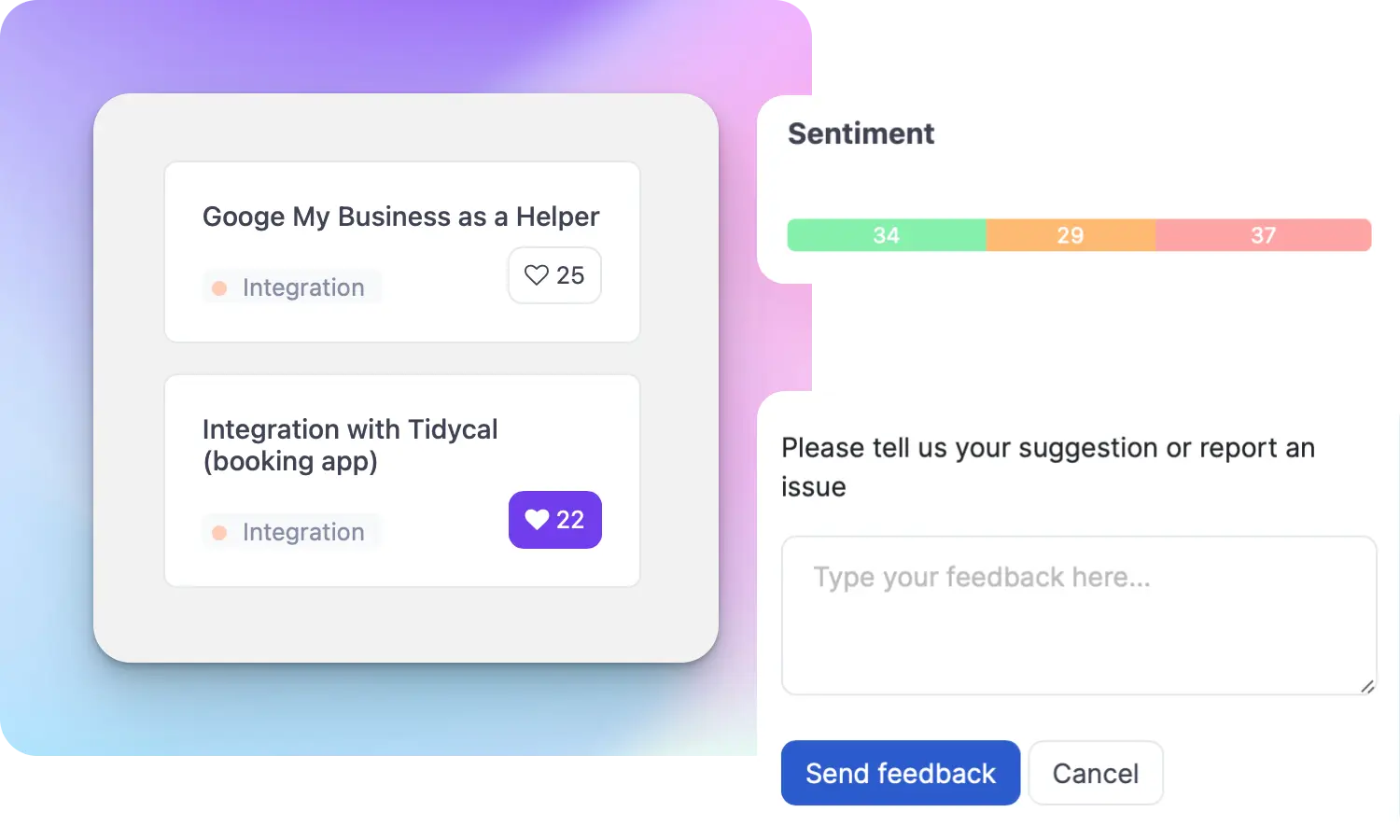
That's why we created ProductLift - to put all feedback in one place, helping teams easily see what features matter most.
In the last five years, we've helped over 5,204 product teams (like yours) double feature adoption and halve the costs. I'd love for you to give it a try.

Ruben Buijs
Founder & Digital Consultant