Ship Features. Stakeholders Find Out Without a Meeting.





from 124+ reviews
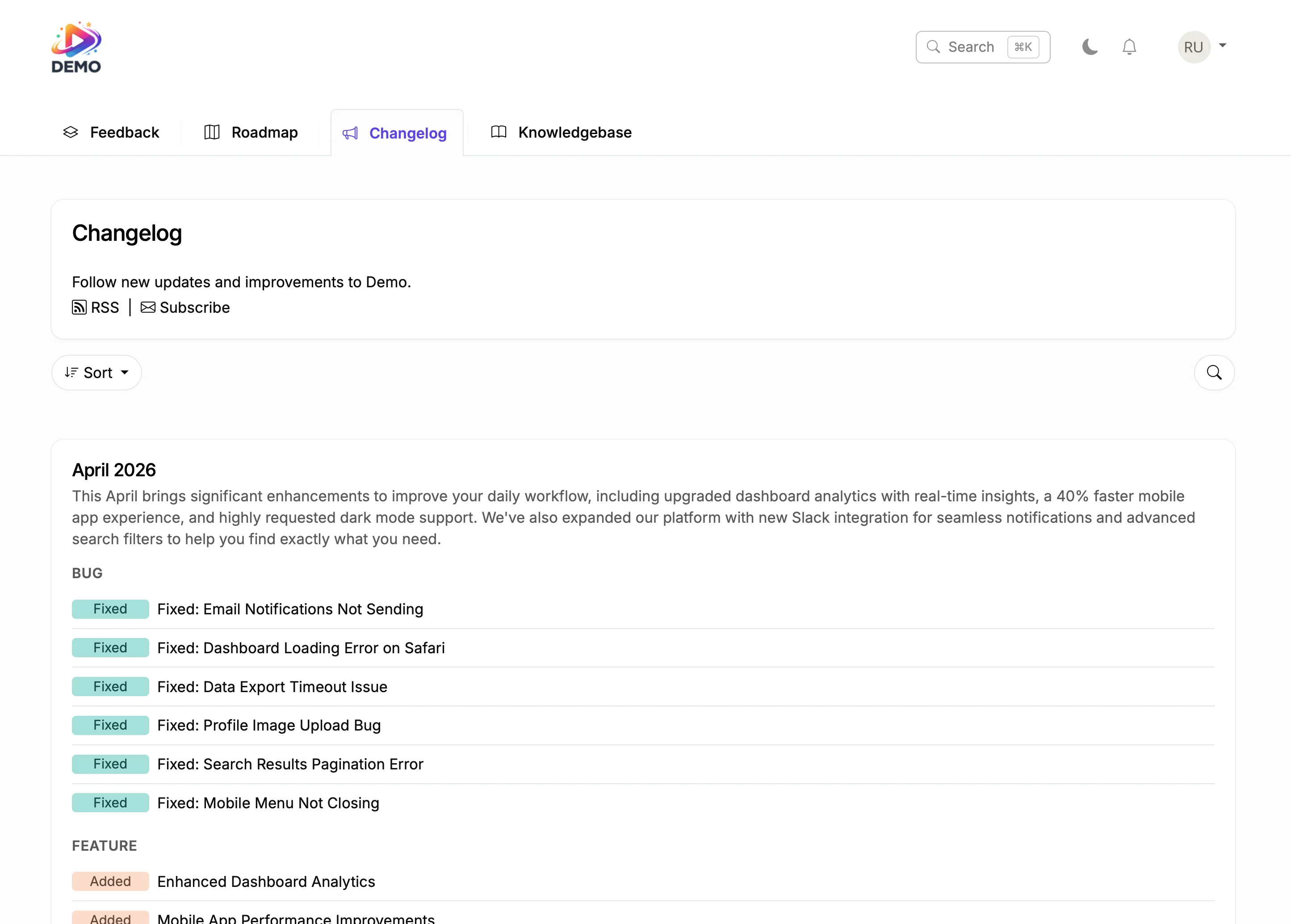





Try It Right Now
How It Actually Works
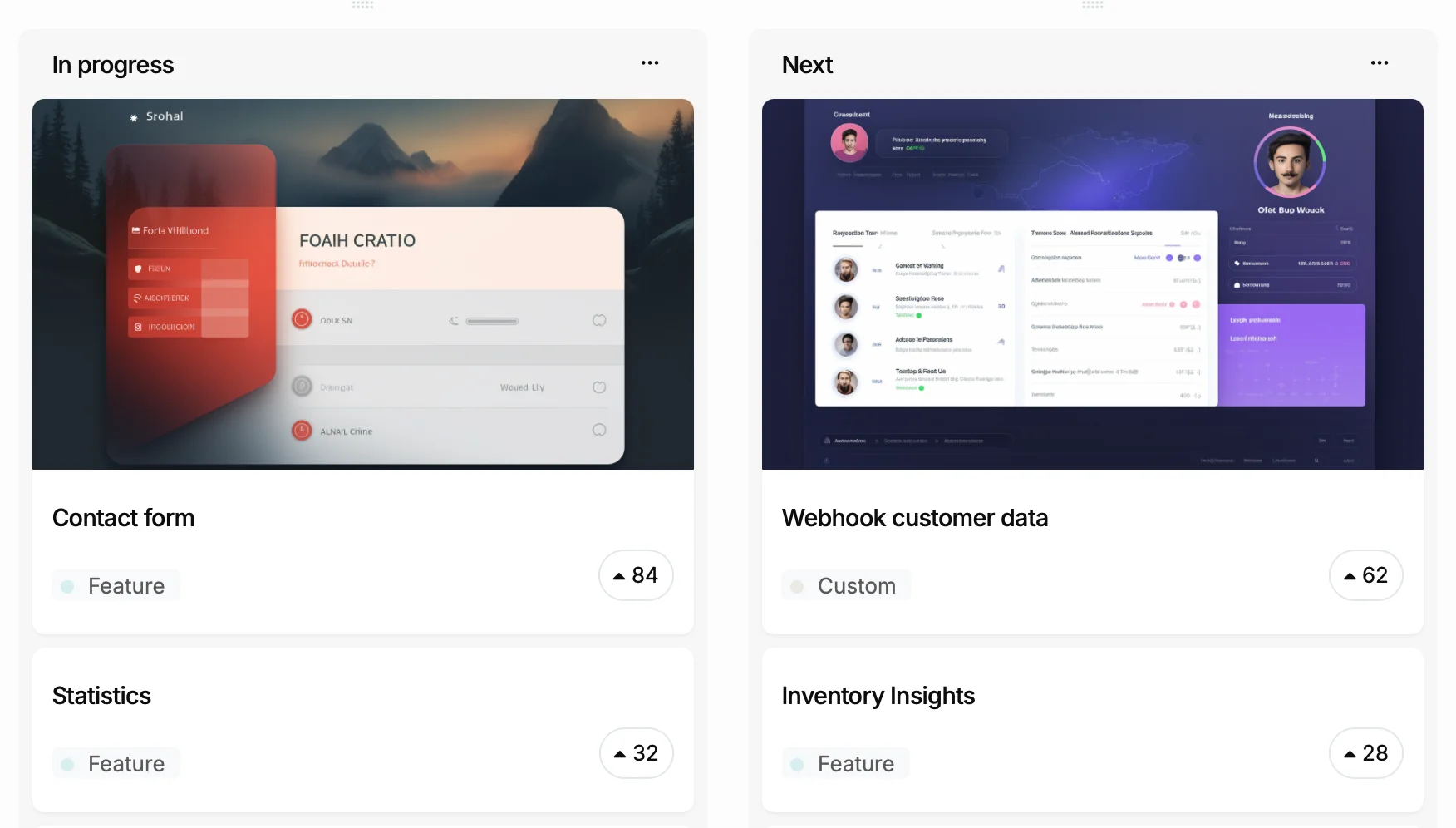
You ship a feature
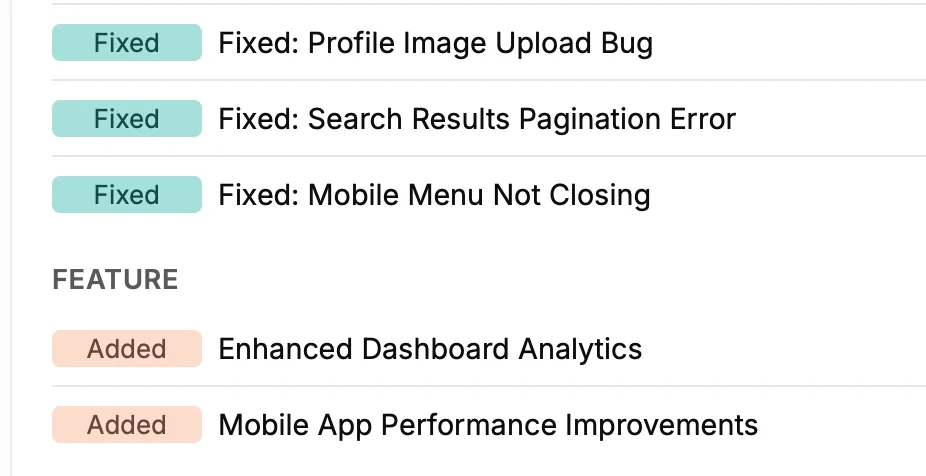
It becomes a changelog entry
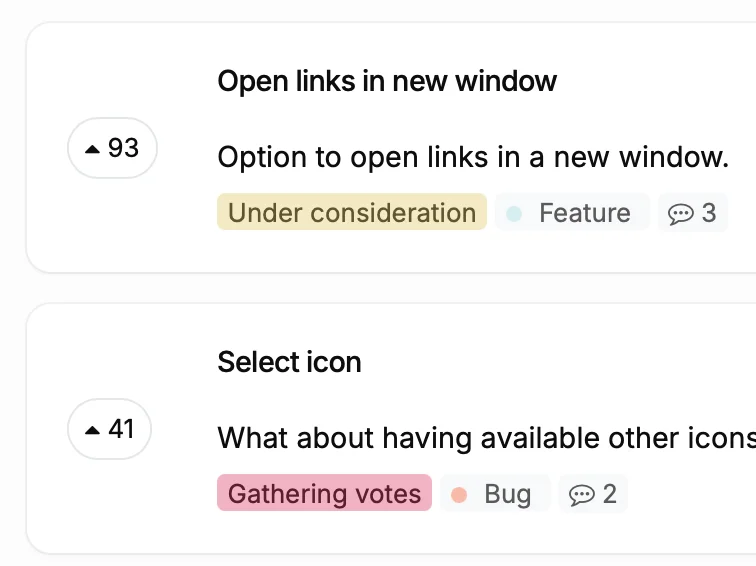
Voters get notified
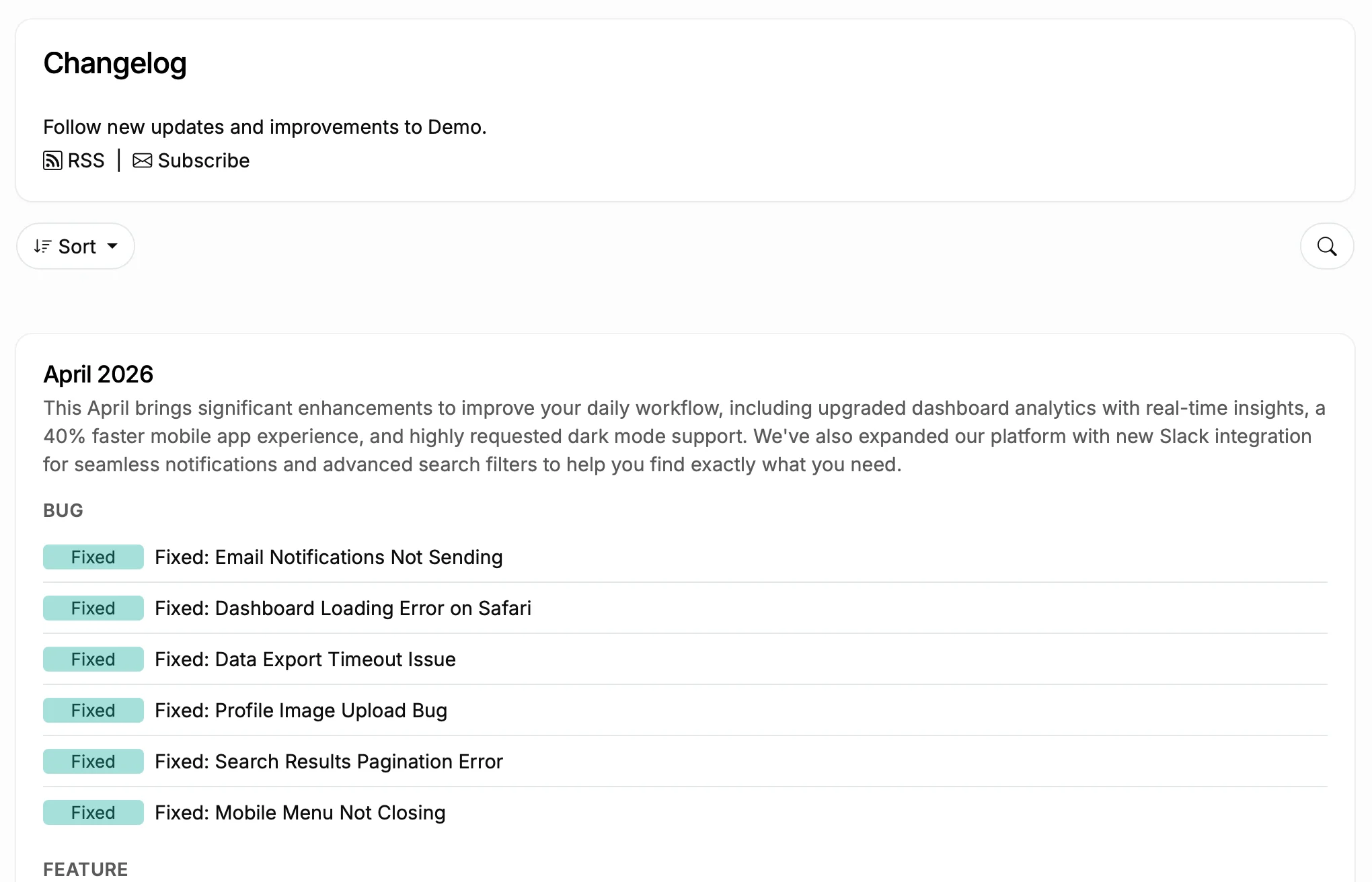
Subscribers stay in the loop
What Happens Without a HubSpot Changelog
Before
With ProductLift
What You Can Do With This
Turn Git Commits into Changelog Entries
Categorize and Schedule Updates
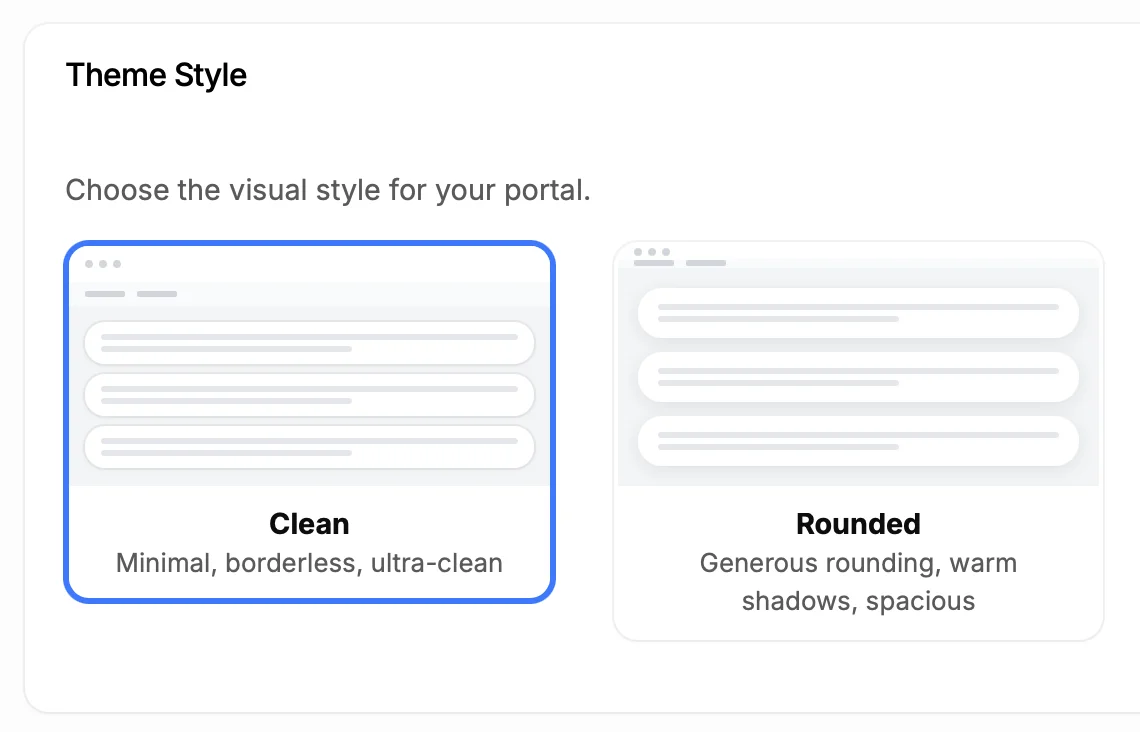
Make It Look Like Part of Your Site
5,204
Teams using ProductLift changelogs
4.8
Rating on G2 and Capterra
5 min
To set up on HubSpot
Trusted by Business Teams And Operators Worldwide

Sebastian F.
Entrepreneur
★★★★★
This app will help you connect with your users and gather feedback like never before. The UI is clean and focused. The different pages and forms can be fully customized. Ruben is an amazing developer and entrepreneur with a proven track record. ProductLift is going places and you should get onboard.
AppSumo
Aaron Dye
★★★★★
An excellent product with equally excellent support! Everything just works, and when I had questions, the team was incredibly responsive.
Timothy M.
Product Manager
★★★★★
This tool is literally a needle in a haystack. I was using Frill, and this doesn't even compare. The user interface, the way it lays out — so amazing. Also amazing support team!
AppSumo
Ben
Product Owner
★★★★★
Helped us quickly move away from our antiquated spreadsheet to a user-interactive system. User feedback is now collected in real-time. Support has been super speedy!
AppSumo
Marco
★★★★★
Based in Europe, ideal for privacy-conscious customer interaction. Constant improvements by Ruben together with thorough support make ProductLift a solid and future-proof choice.
AppSumo
Chris R.
Founder
★★★★★
By far the most customizable of all the feedback tools and much better than Feedbear. Developer is super responsive and support has been great. Highly recommend!
AppSumo
Who Uses a Changelog on HubSpot
SaaS Product Teams
Internal Operations Teams
Client-Facing Teams
From Idea to Shipped Feature
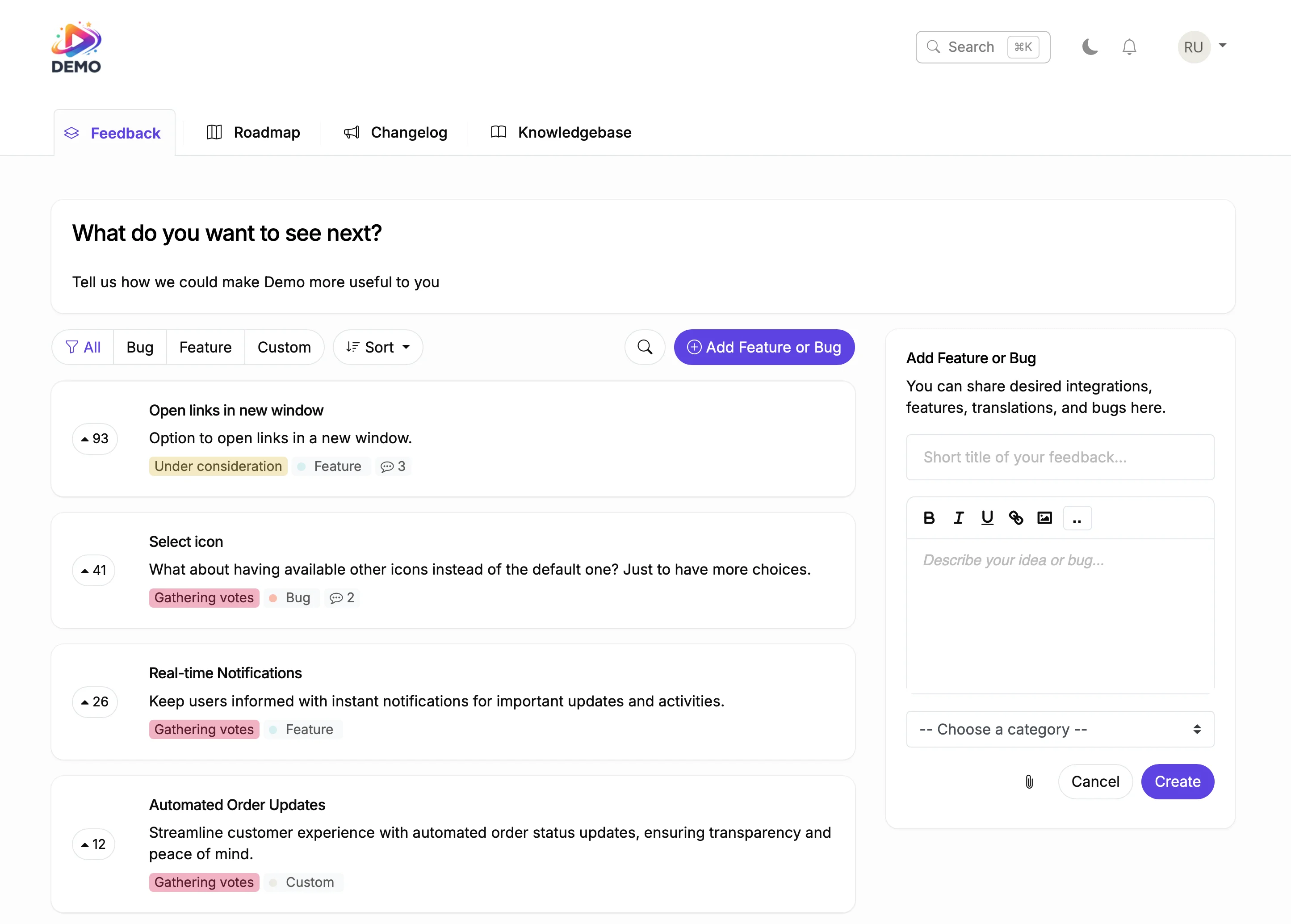
Collect Feedback
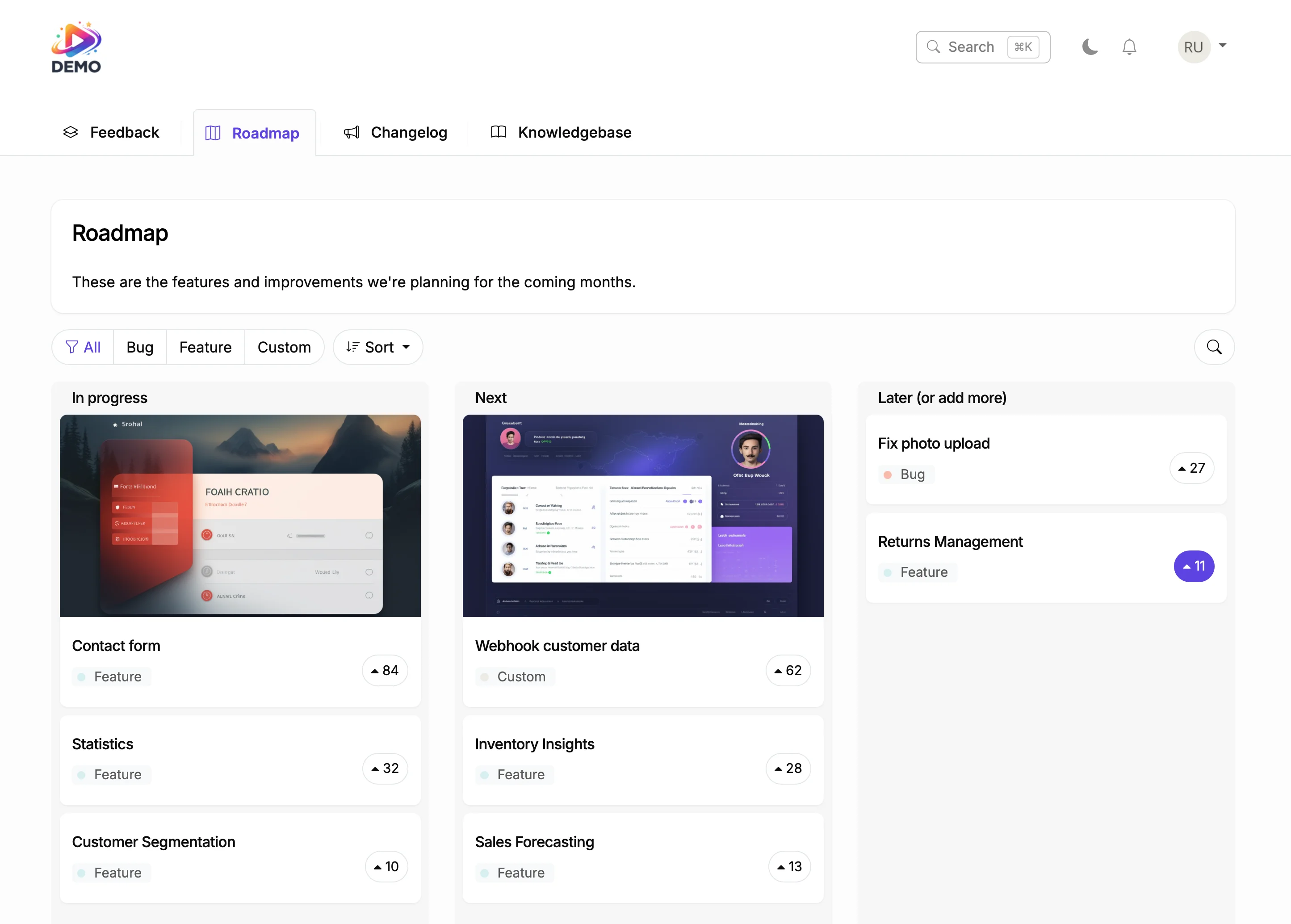
Plan on Your Roadmap
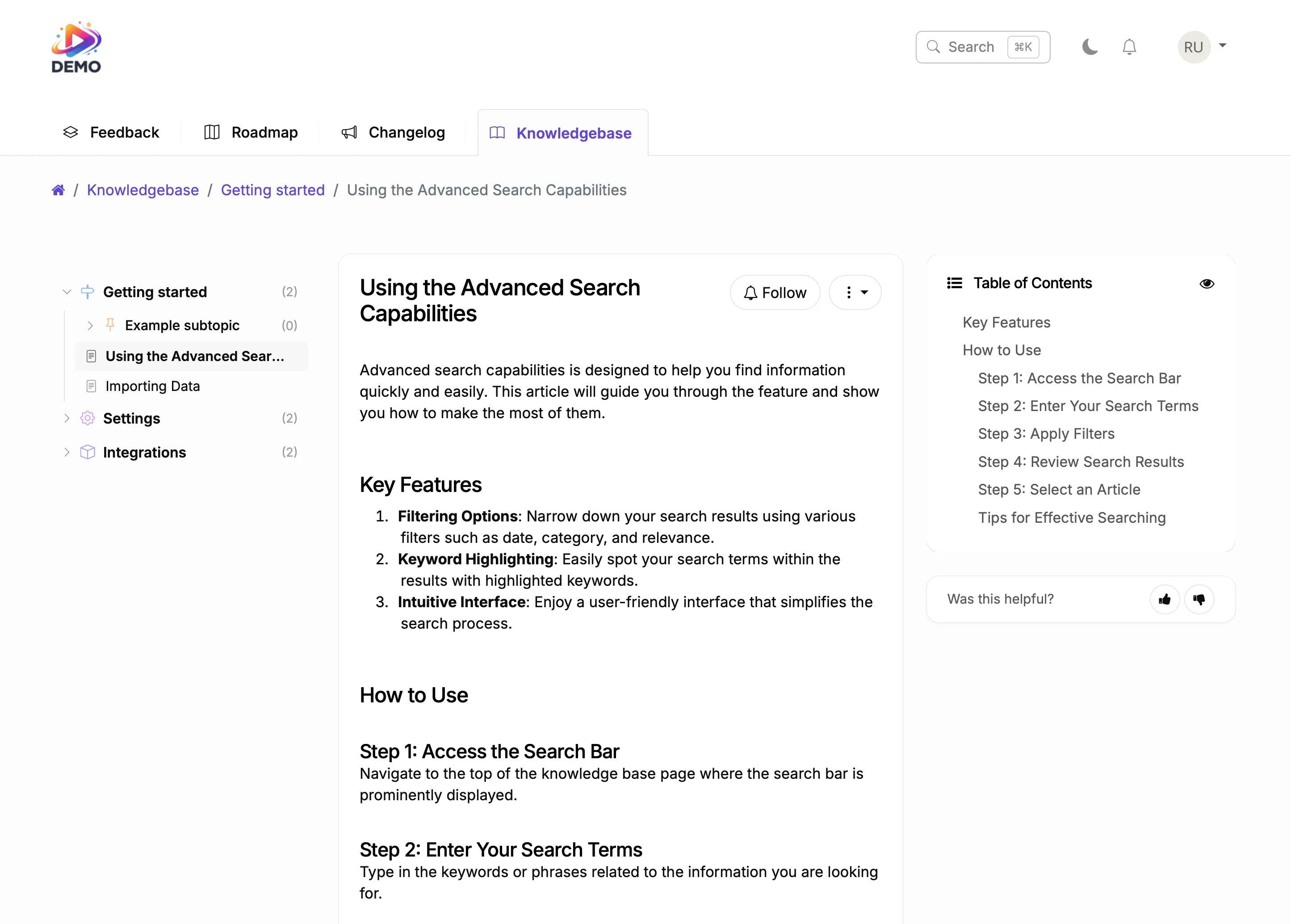
Document It
In business software, trust is built through consistency. A changelog showing regular updates with clear categories tells clients and stakeholders the product is reliable and actively maintained.
ProductLift connects your changelog to your feedback system. When someone requests a feature and you ship it months later, they get notified. That closes the loop without manual effort.

Ruben Buijs
Founder of ProductLift
How do you add a changelog to a HubSpot site?
The short answer: paste a single HTML embed into a custom HTML module inside any HubL template. HubSpot's Content Hub supports custom HTML modules on every page, so no HubSpot integration, no app install, and no database change is needed. Total setup time is about 5 minutes and the changelog loads independently, so it does not touch your page-speed score or marketing automation workflows.
Under the hood, ProductLift hosts the changelog on its own servers and serves it inside your HubL page. You get categorized entries (New Feature, Improvement, Bug Fix), scheduled publishing, and a filter UI, all styled to match your HubSpot theme. If you also run a feedback board on HubSpot, every voter for a shipped feature is emailed automatically the moment the entry goes live.
Can HubSpot show release notes natively?
No. HubSpot Content Hub ships blogging, landing pages, and knowledge base modules, but there is no native product-changelog or release-notes module. Teams typically fake it with a blog category tagged "Updates", but blog posts do not surface categories, voter status, or roadmap linkage, so subscribers cannot filter or subscribe to only product changes. HubSpot's own developer changelog at developers.hubspot.com/changelog is for HubSpot API updates, not something you can reuse for your own product.
That absence is why the third-party embed pattern exists. A dedicated changelog on top of HubSpot gives you filtering, subscriber lists separate from marketing email, and a clean engagement signal for who actually cares about product news. Compared to a blog category, entries surface faster, ship categorized by default, and connect back to the feature request that triggered them.
Which changelog tool works with HubSpot?
Any changelog tool that ships a JavaScript or HTML embed works with HubSpot, because HubL custom HTML modules render whatever you paste in. That includes ProductLift, Beamer, AnnounceKit, Canny, FeatureBase, and Headway. The real question is which one closes the loop from feedback to shipped feature: only tools that combine feedback voting, a roadmap, and a changelog on one platform can notify the exact voters who asked for the shipped feature. ProductLift is built that way, which is why 5,204 teams use it end-to-end. If you are still shopping, our best changelog tool guide and best release notes tool comparison score all seven side-by-side on pricing, free plan, voter auto-notification, widget quality, and roadmap integration.
Explore More ProductLift Features
Feedback Board
Knowledge Base
Public Roadmap
HubSpot Changelog Integration FAQ
How do I add a changelog to my HubSpot site?
Do I need to install a HubSpot integration?
Can I categorize changelog entries?
Will users get notified about new updates?
Does it support images and videos?
Can I customize it to match my brand?
Is there a free trial?
Comparing Changelog Tools?
Still shopping? Compare 10 of the top changelog tools and changelog software side-by-side in our best changelog tool guide. Real pricing, free-plan detail, voter auto-notification support, in-app widget quality, and roadmap integration for ProductLift, Beamer, AnnounceKit, Canny, FeatureBase, Headway, and more.